
Personalising
the viewing experience
|
|
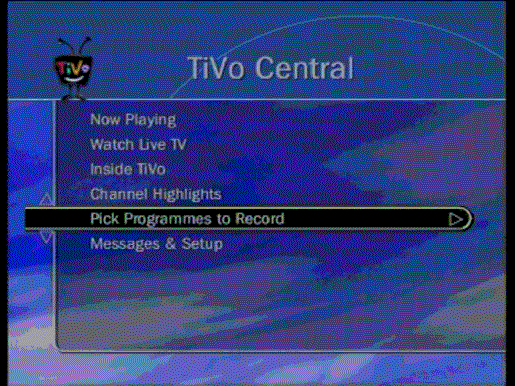
Digital TV can offer more than 300 channels at any moment in time, but scanning through electronic programmes guides can be very time-consuming. However, with the aid of a personal digital video recorder (PVR) it is now possible using a keyword search facility to find programmes that are to be broadcast relating to a specific area of interest. For example, putting in the keyword “sea” in the documentary category will find programmes about the sea and automatically record them. This service is available now to consumers who subscribe to the TiVo service in the UK and the USA. In the UK consumers need to buy a PVR for about 360 Euro and then subscribe to the TV listings service on a monthly basis for about 16 Euro per month or a one off lifetime (of the box) fee for about 315 Euro. The PVR box needs to be attached to a set-up box, which could be digital satellite, digital cable, digital or analogue terrestrial or any combinations of these. The TV listings are updated every night on the TiVo
box utilising a modem telephone line connection. The TV listings contain
information or metadata about the each programme that is supplied by the
programme producer or the broadcasters. The success of the keyword
searching is very much dependent upon the quality of the metadata that
describes the programme.
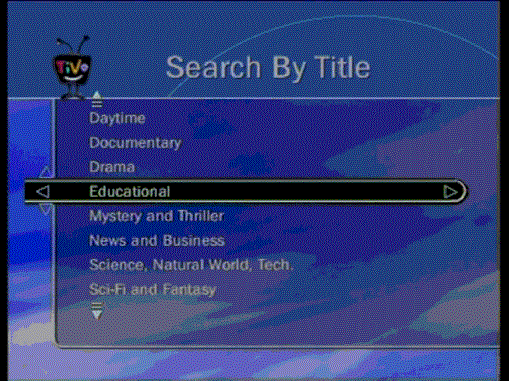
TiVo - Search for educational content by title with a “Historical” sub-category has been selected.
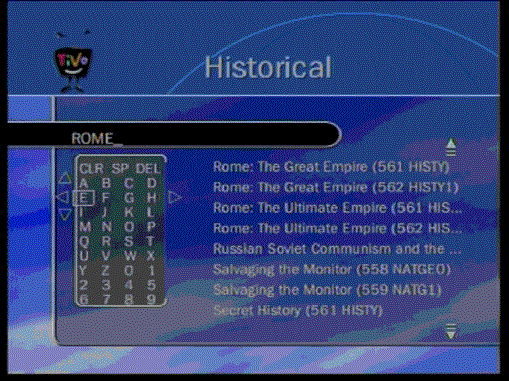
TiVo - When using the keyword “Rome” forthcoming educational historical programmes that relate to Rome appear on the right side of the screen. Any one the programmes can be selected and recorded automatically onto the TiVo hard disk when they are broadcast. The keyword is created with the remote control using the up. down, and right and left arrow keys – that moves the square box on the screen.
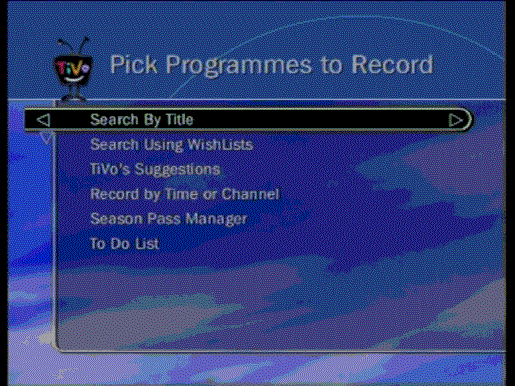
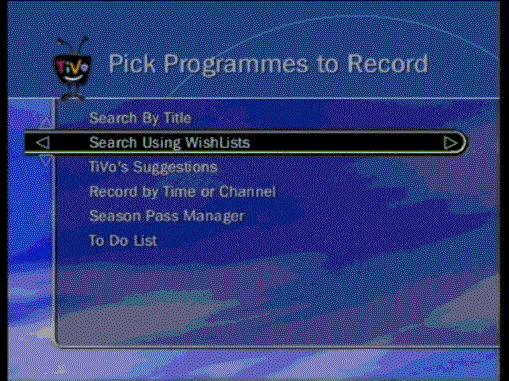
TiVo – Another way to pick a programme to record is by using the search by wish lists facility.
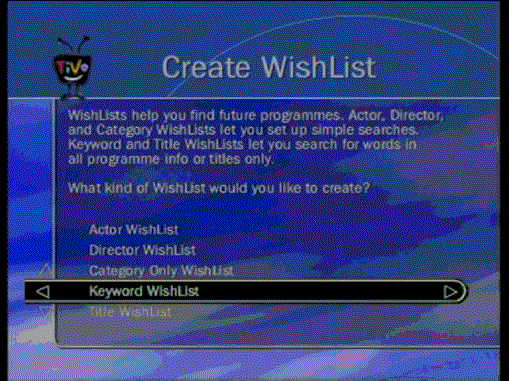
TiVo- There are various ways in which a wish list can be created. In this case the keyword wishlist option has been selected.
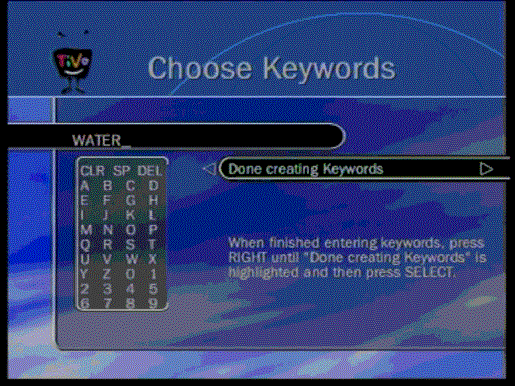
TiVo – This example shows that the keyword “water” has been entered. Therefore any new programme that contains the word “water” in the title or in the information provided with the programme will be added to the wish list for recording automatically or if selected in the wish list prior to it being broadcast. Further
Information |

pjb associates Home t-learning Study Home
Last updated 30 April 2004